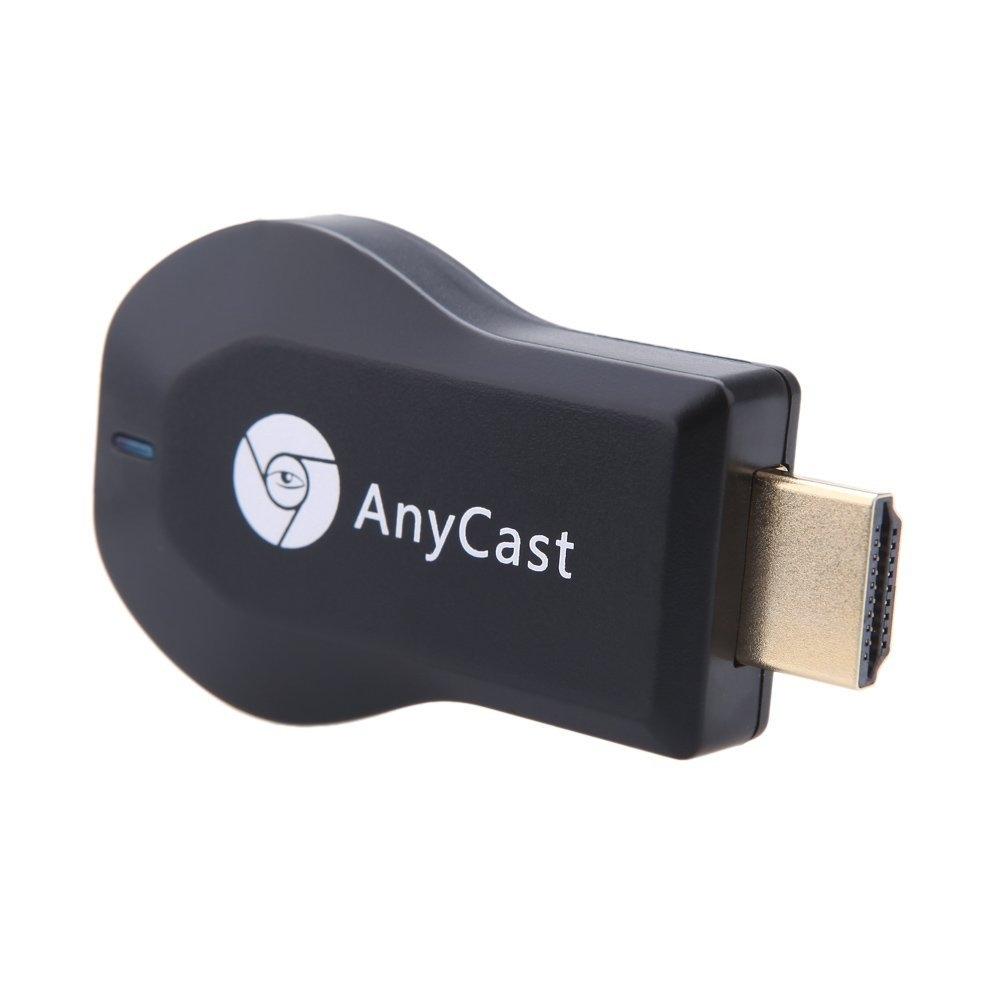
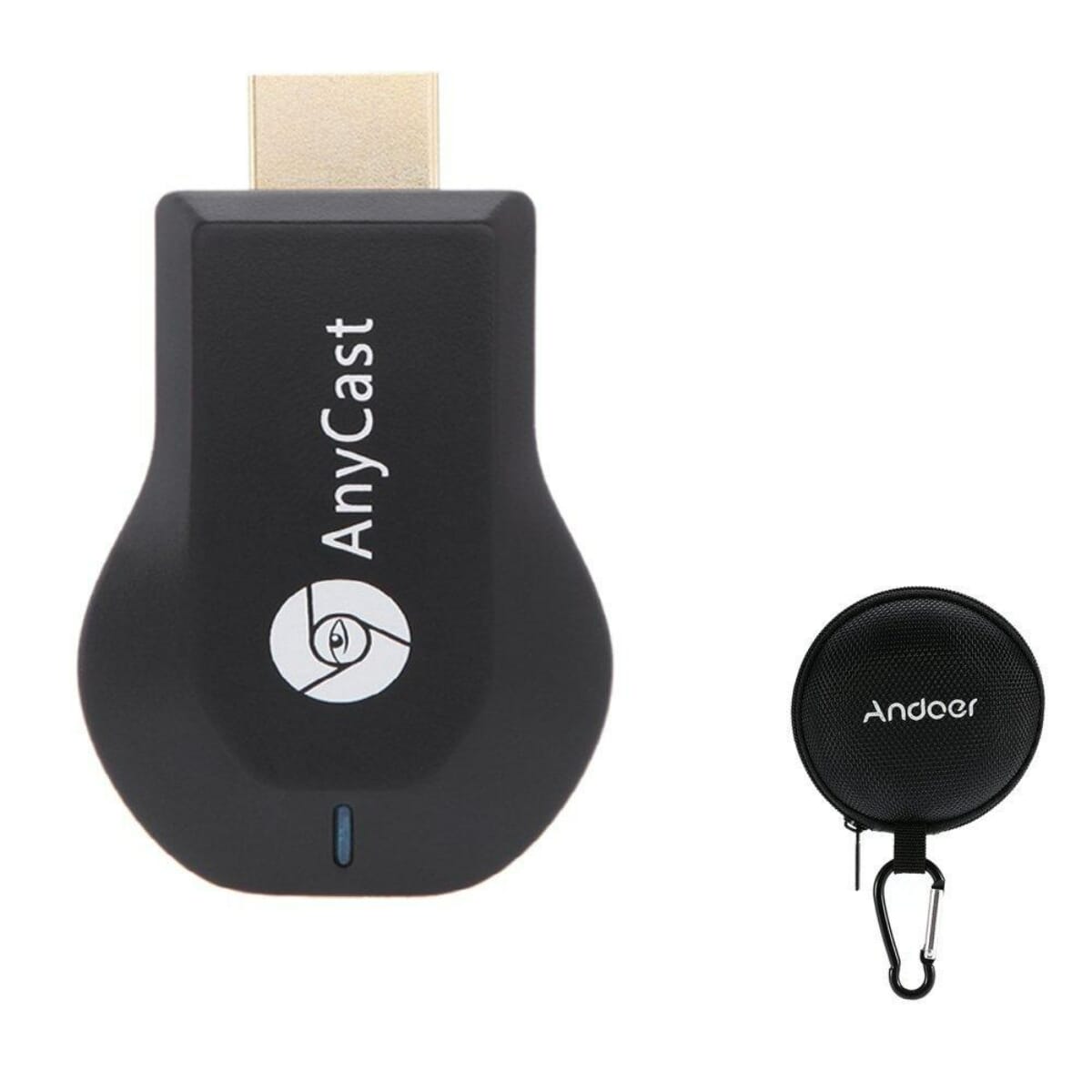
Setup on iOS device: Step 1: Get SSID and PSK/Password on Anycast page. Step 2: Connect AnyCast in WiFi Setting on iPhone Step 3: Go to Safari and input 192.168.49.1 to come to the setting menu(You can connect your home wifi here by clicking “Internet” and Choosing your home Wifi to connect) Step 4: Pull up the Control Center on iPhone and turn on Airplay, and select AnyCast dongle to start mirroring. Now your iPhone screen will be mirrored to your TV.